
Published October 4, 2026
How to Apply for Annapurna Bhandar on the Official Portal
Step-by-step registration on socialregistry.wb.gov.in, plus the offline route.
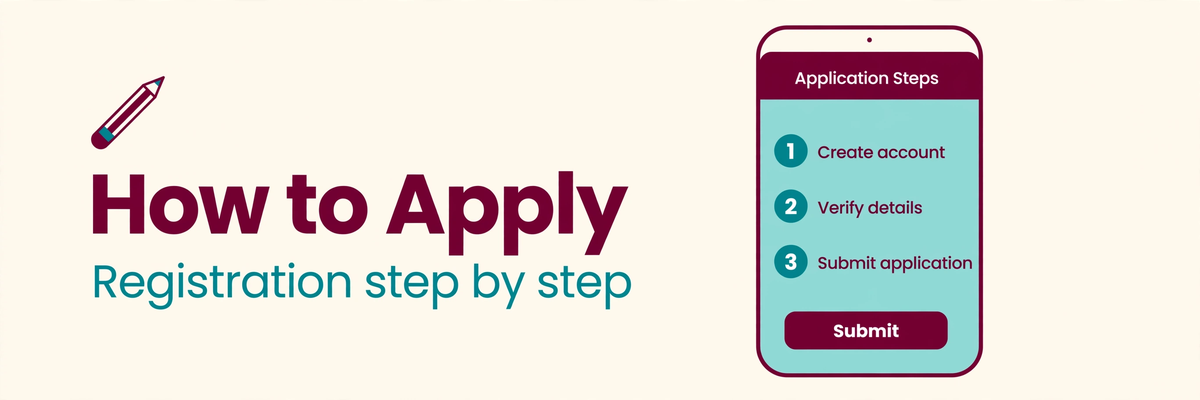
Registration for Annapurna Bhandar runs through West Bengal's official Social Registry portal. Here's how the process works, step by step.
Step 1: open the official portal
Go to socialregistry.wb.gov.in — that's the official domain. Anything on .com or .org claiming to be the portal isn't official. Look for the citizen login or registration option.
Step 2: log in with your mobile number
Enter your active 10-digit mobile number and request an OTP. Enter the code you receive to access your citizen dashboard. Keep this number active — it's tied to your application.
Step 3: fill in the application form
The form covers your personal details (exactly as on Aadhaar), ration card information, family details, and bank account details for the direct transfer. Fill it carefully — errors here cause most delays.
Step 4: upload documents and submit
Upload scanned copies of your Aadhaar, ration card, and bank passbook. Review everything on the summary page, accept the self-declaration, and submit. Save your application tracking number — you'll need it to check status later.
If online isn't working for you
Duare Sarkar camps and local BDO/SDO offices also handle registrations — the offline route exists precisely for people who can't do it online. Never pay anyone who offers to "fast-track" your application.
First confirm you meet the eligibility criteria. The main guide covers the scheme background.